Substance 3D Painter 12.2 adds cage painting; Adobe PM explains baking rework
Adobe's Substance 3D Painter 12.2 lets artists paint baking cages directly on models. In an interview, Product Manager Laurens Corijn describes why baking became a 2026 priority and how the feature was built.
Digital Developer Desk, 12h ago, 3 min read

Substance 3D Painter 12.2 introduces cage painting. Artists can adjust projection distances directly on their models using familiar painting and Polygon Fill interactions. It builds on skew painting and automatic rebaking from earlier updates. Adobe has delivered three Painter updates in 2026.
In an interview with 80 Level, Product Manager Laurens Corijn said the team felt it had neglected baking, which is used mostly in games and entertainment. He said more users were bypassing Painter for baking and using other tools, then reimporting the bakes. After user research, the team named Skew, Cage, Bevel, per-object setting overrides and baking multiple copies of the same map as the most missed features, and took them on in that order.
Corijn explained that skew is the direction of bake rays and cage is the distance they travel. Cage painting reuses the base built for skew: Painter's painting system running inside baking mode, plus a new hidden type of layer stack that holds the painted data. Automatic rebaking, built for skew to give near-instant visual updates, took a day or two to hook up to cage painting. He said at least half of the effort went into UI design and programming.
Polygon Fill gets its first substantial update in roughly a decade. Corijn said marquee or drag selection no longer selects through objects. New Polygon Loop and Partial Loop tools make it easier to use clean quad geometry for quick mask operations, and a preview helps with complex Partial Loop selections. Polygon Fill also gains a per-action blending mode, which cage painting requires because each action blends additively on top of the previous one. Cage painting uses it to give per-object cage offsets.
Texture Set Highlighting lets artists hover over the texture set list to highlight that set in the viewport. Holding Ctrl + Alt in the viewport highlights it there and in the list, with a name tag at bottom left, and right-click switches to that texture set. Order Independent Transparency improves sorting of overlapping transparent surfaces, such as layered glass, in the real-time viewport, removing layering artifacts in specific scenes.
Corijn said Adobe plans to keep polishing the features with smaller releases, as it did with Skew, which gained extra options after launch. He described the wider aim as getting people to creative texturing faster, by removing round trips to Blender, Max or Maya for mesh prep and baking, whether through manual operations or help from automatic processes and AI.
Sources
Get the daily brief
The five stories that matter, every weekday morning. Free.
Substance 3D Painter 12.2 adds cage painting and Order Independent Transparency
Adobe has released Substance 3D Painter 12.2, which lets artists paint baking cage distances directly on a model. The update also adds new Polygon Fill selection modes, texture-set highlighting and better viewport sorting for overlapping transparent materials.
80.lv2d ago2 min read

UVgami, a free open source auto UV unwrapper, runs in browser, desktop and Blender
UVgami is a free, open source tool that automatically UV unwraps 3D models. It is available as a web app, a desktop app for Windows, Mac and Linux, and a Blender version.
gamefromscratch.com2d ago2 min read

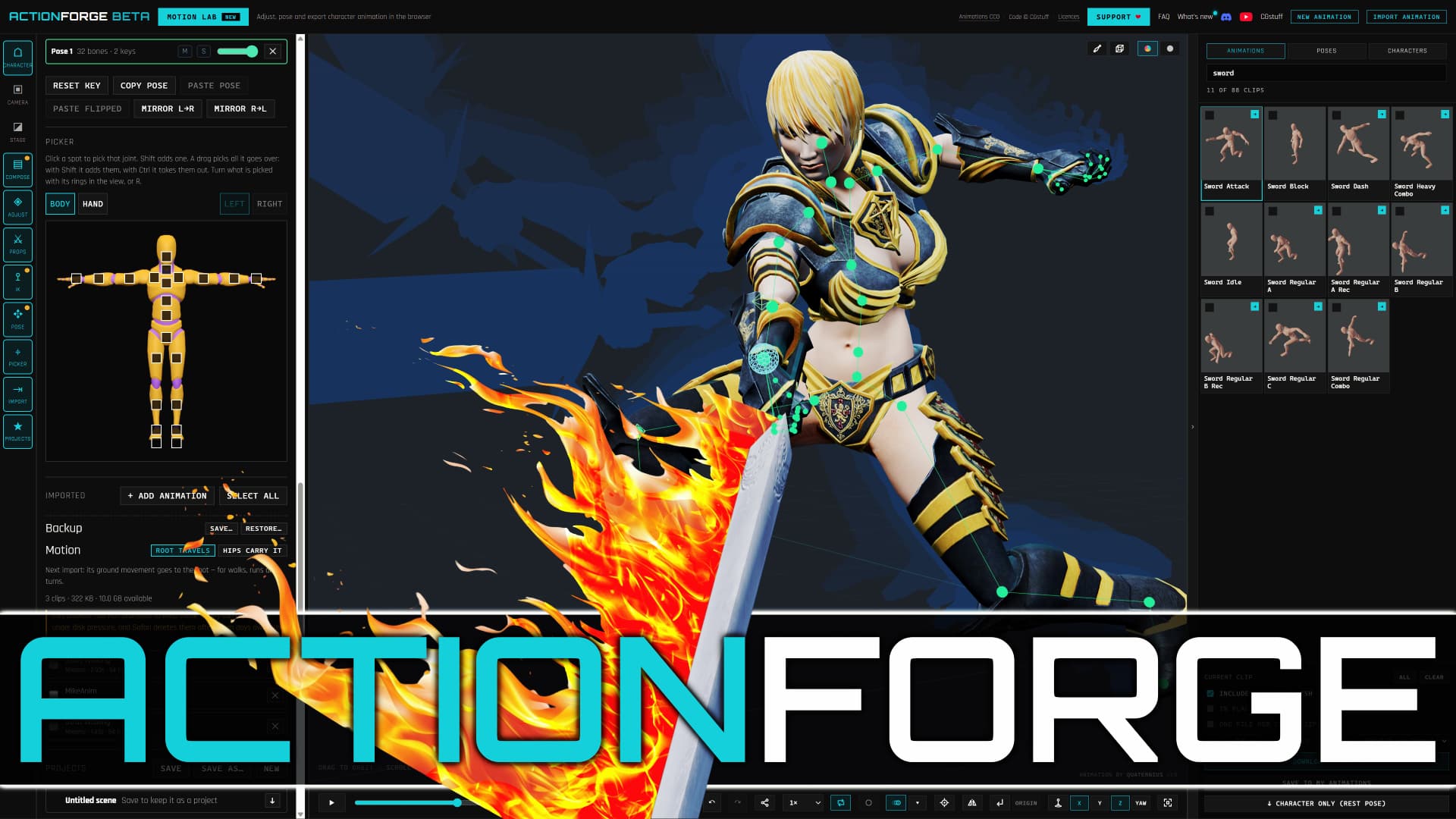
ActionForge, a free browser-based Mixamo alternative, adds animation editing
ActionForge is a free web app for rigging, retargeting and editing character animations, all processed locally in the browser. It covers ground similar to Mixamo, with direct animation editing and export presets for major engines.
gamefromscratch.com2d ago2 min read