DirectX Agility SDK 1.620 goes retail; 1.722-preview adds DXR Clustered Geometry
Microsoft released Agility SDK 1.620 retail and 1.722-preview on October 28, and AMD shipped matching drivers the same day. The retail release brings crash dump files and Partial Graphics Programs to production games, while the preview adds new DirectX Raytracing features.
Digital Developer Desk, 2h ago, 4 min read
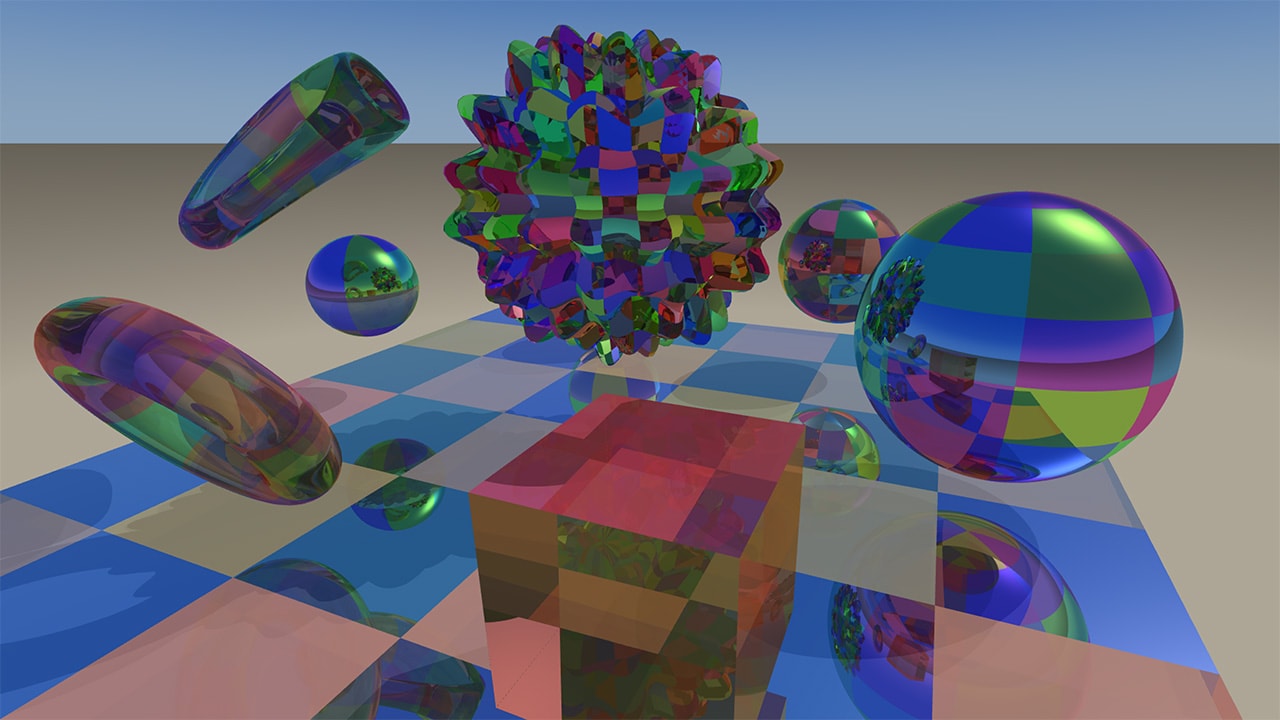
Microsoft released two DirectX 12 Agility SDKs on October 28: 1.620 retail and 1.722-preview. AMD released two drivers the same day. AMD Software: Agility SDK Retail Edition 26.20.12.02 covers retail features only. AMD Software: Agility SDK Developer Preview Edition 26.20.12.01 covers everything, including the preview features. These details come from AMD's GPUOpen post.
Agility SDK 1.620 moves DirectX Dump Files, Extended PIX Markers and Partial Graphics Programs to retail, so they can be used in shipping games. They are supported on Radeon RX 7000 and 9000 Series and Radeon AI PRO R9700 and R9600 Series GPUs. With a dump file, DirectX captures the state of a GPU crash or hang before Windows resets the GPU. The file opens in PIX on any PC, with no need for the crashing GPU or driver, and Developer Mode isn't required. Dump files need PIX 2610.28, and the crashing PC must run Windows 11 24H2 or 25H2. AMD's drivers support the MEDIUM_OVERHEAD and HIGH_OVERHEAD options, which AMD recommends for development and QA builds and for chasing rare retail crashes.
Extended PIX Markers show your PIX events and markers in Radeon GPU Profiler 2.7 and later and in Radeon GPU Detective 1.6.3 and later. They need Agility SDK 1.620 or later and one of the two new drivers. Call ID3D12DeviceTools2::SetUserDefinedAnnotationMode with D3D12_USER_DEFINED_ANNOTATION_MODE_DRIVER_RETAIL during device setup. AMD says no AMD-specific headers or other code changes are needed. Partial Graphics Programs let compiled program parts be reused across pipeline variants, which can cut download size and compile time.
The preview SDK is where the raytracing changes are. Microsoft calls it DXR's most significant update since its 2018 debut. Clustered Geometry builds acceleration structures from small reusable clusters of up to 256 triangles, so streaming and LOD can assemble existing clusters instead of rebuilding from triangles. Partitioned TLAS concentrates update cost on changed parts of a scene. Indirect acceleration structure builds take their arguments from GPU memory, so compute shaders can generate them. These are preview features, supported on Radeon RX 9000 Series and Radeon AI PRO R9700 and R9600 Series GPUs.
In Microsoft's D3D12RaytracingClusteredGeometry sample on a Radeon RX 9070, traditional BLAS rebuilds ran at 1.2 FPS, with 788 ms of per-frame acceleration structure work and 7,519 MiB of memory including the TLAS. Clustered Geometry ran at 79 FPS, with 3.11 ms and 774 MiB. Microsoft says this is a single configuration in a test playground, and that results vary by scene, settings and GPU. The sample also includes command-line benchmarking against BLAS rebuild and refit.
To try the preview you need Agility SDK 1.722-preview and DXC Shader Model 6.10 preview Patch 2 (v1.10.2605.37), which is also on NuGet as Microsoft.Direct3D.DXC 1.10.2605.37-preview. You also need Windows Developer Mode with the D3D12ExperimentalShaderModels and D3D12RaytracingPreview experimental features enabled, a supported Radeon GPU and driver 26.20.12.01. Check support with the ClustersAndPTLASSupported cap in the D3D12_FEATURE_D3D12_OPTIONS_RAYTRACING2 query. PIX has preview support, and Radeon Raytracing Analyzer has supported Clustered Geometry and Partitioned TLAS since RRA 1.11.1, released October 6. AMD also notes that Unreal Engine 5.8.4 adds State Object Database integration for Microsoft's Advanced Shader Delivery.
Sources
Get the daily brief
The five stories that matter, every weekday morning. Free.
IllFonic used UE5 dynamic lighting and Nick Castle mocap for Halloween: The Game
IllFonic's Chief Creative Officer Jared Gerritzen explains how the studio built Halloween: The Game in Unreal Engine 5, from dynamic lighting to motion capture of original Michael Myers actor Nick Castle. The interview covers the shift away from baked lighting and the game's reactive NPC systems.
80.lv4d ago2 min read

Epic removes AI training restrictions from Unreal Engine EULA Section 6e
Epic Games has deleted two restrictions from Section 6e of the Unreal Engine EULA, covering generative AI training and MetaHuman data use. The change applies to all versions of Unreal Engine.
reddit.com4d ago2 min read
Hitman World of Assassination adds The Host, a free Elusive Target, until Nov 25
IO Interactive's new Hitman Elusive Target, The Host, features YouTuber Jacksepticeye as a villain. Two IO designers explain how the level and character were built.
80.lv5d ago3 min read
